For the complete documentation index, see llms.txt. Markdown versions of all docs pages are available by appending .md to any docs URL.
LLM playground
Send a test chat completion through the gateway in the agentgateway UI.
Use the built-in LLM playground in the agentgateway UI to send a chat completion request through your configured LLM provider. The playground sends a real request through the gateway, so you can confirm that your provider, model, and policies work before you point an application at agentgateway.
Note
The LLM playground is available in the agentgateway UI in version 1.3 and later.
Before you begin
- Install the
agentgatewaybinary. - Configure at least one LLM provider. For an example, see OpenAI or any OpenAI-compatible provider.
Send a test request
Run agentgateway with your LLM configuration.
agentgateway -f config.yamlOpen the LLM playground.
If you see a Browser access is not allowed notice, click Apply CORS so the playground can call the LLM listener from the UI.
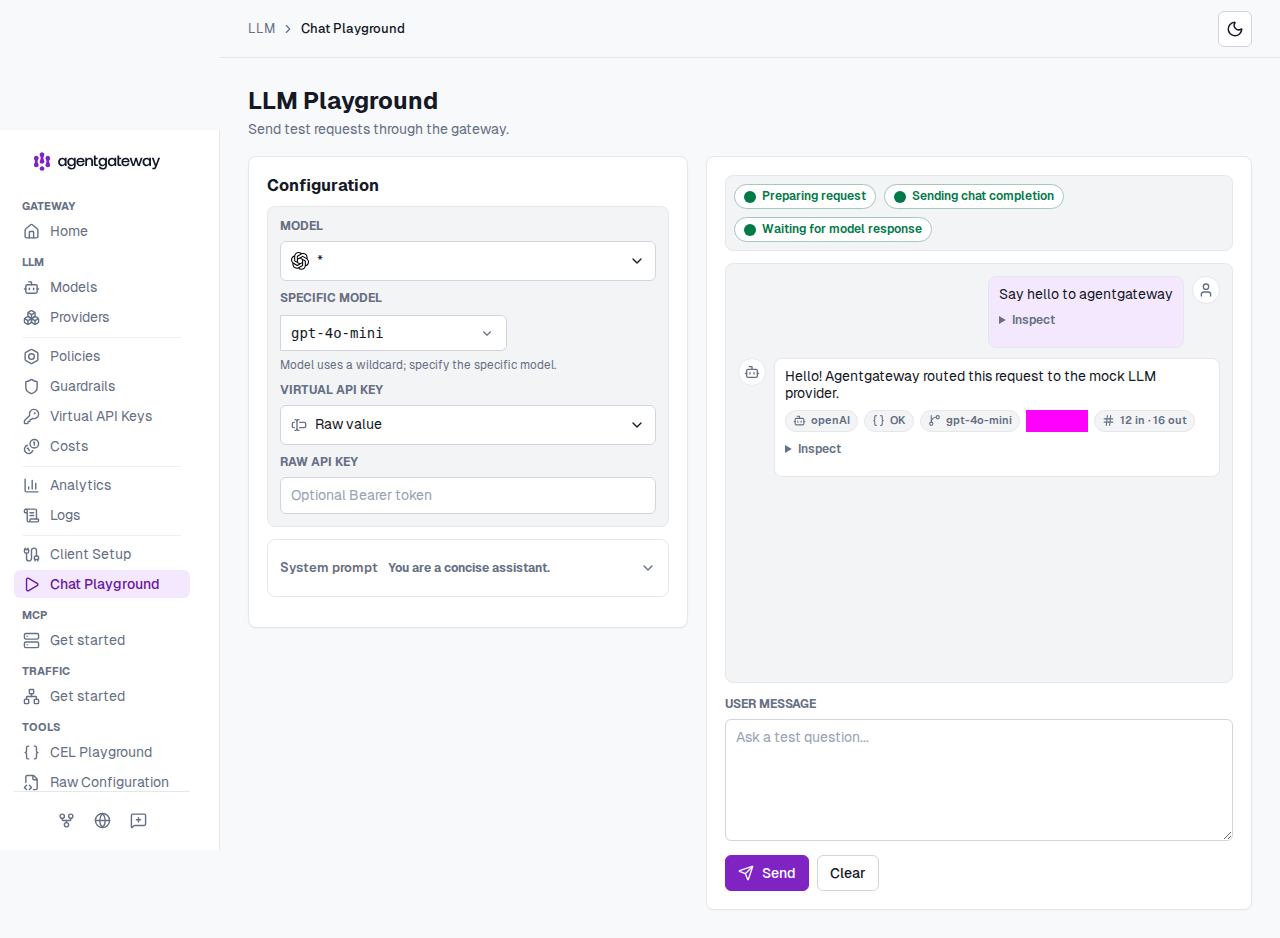
In the Model list, select a model. If your configuration uses a wildcard (
*) model, enter a specific model name in the Specific model field, such asgpt-4o-mini.Optional: Expand System prompt to review or change the system prompt.
In the User message box, enter a prompt, such as
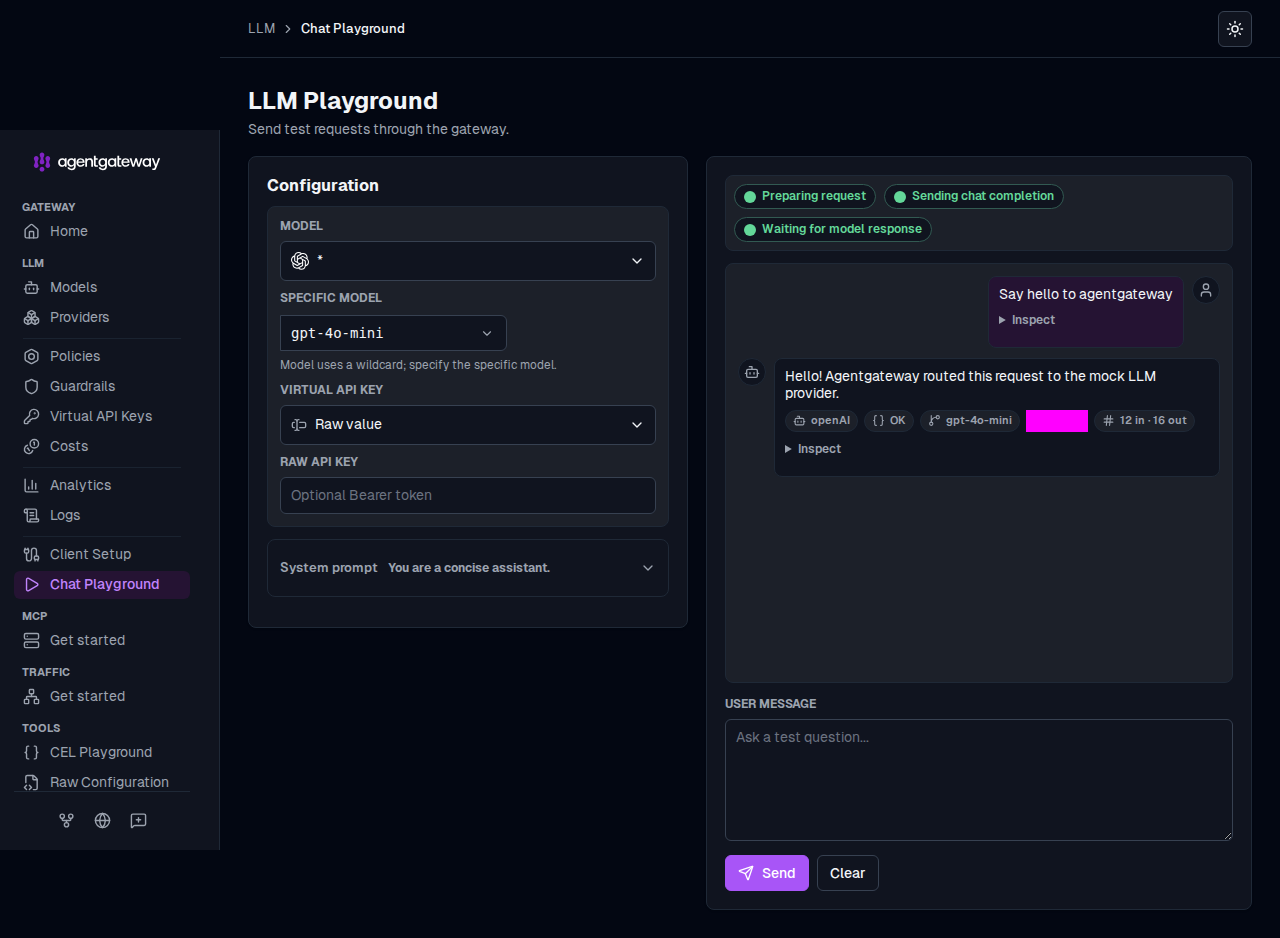
Say hello to agentgateway, and click Send.Verify that the gateway forwards the request to your provider and returns a response in the chat panel. Each response also shows the provider, model, latency, and token usage.
Authentication behavior
The playground sends the request from your browser, but does not forward browser credentials, such as cookies or HTTP basic authentication, to the LLM gateway. If the gateway requires a bearer token, select a saved key in the Virtual API key list. Or, select Raw value and enter the token in the Raw API key field. The playground sends the key in an Authorization: Bearer header. The MCP playground also omits browser credentials and sends the value of its Bearer token field instead.
Next steps
- Observe LLM traffic with metrics, logs, and traces.
- Try out CEL expressions in the CEL playground.